
85 lines
2.3 KiB
Markdown
85 lines
2.3 KiB
Markdown
# Developer Notes
|
|
|
|
Getting started with NATS.ws for contributions requires a little preparation:
|
|
|
|
- A recent NATS server that supports WebSockets
|
|
- An HTTP server to serve HTML and the nats.ws library
|
|
|
|
To make it easy, the nats.ws GitHub repository aids you with this setup. If you
|
|
are on Windows, you'll need to look at the package.json for hints on what to do.
|
|
Better yet, contribute an alternate package.json.
|
|
|
|
Here are the steps:
|
|
|
|
```bash
|
|
# clone the nats.ws repository:
|
|
git clone https://github.com/nats-io/nats.ws.git
|
|
|
|
# install [deno](https://deno.land)
|
|
# on windows do `npm run setup_win`
|
|
npm run setup
|
|
|
|
# build the library
|
|
npm run build
|
|
|
|
# OPTIONAL
|
|
# install the master of nats-server, if you have
|
|
# [Go](https://golang.org/doc/install) installed,
|
|
# you can easily clone and build the latest from
|
|
# master - you only need to do this if you want
|
|
# run a server from master.
|
|
npm run install-ns
|
|
|
|
# must have a nats-server installed
|
|
# start a nats-server:
|
|
npm run start-nats
|
|
|
|
# start an http server to serve the content in
|
|
# the examples directory:
|
|
npm run start-http
|
|
|
|
# point your browser to: http://localhost:4507/examples
|
|
# click on one of the HTML files
|
|
```
|
|
|
|
## Getting started with nats.ws
|
|
|
|
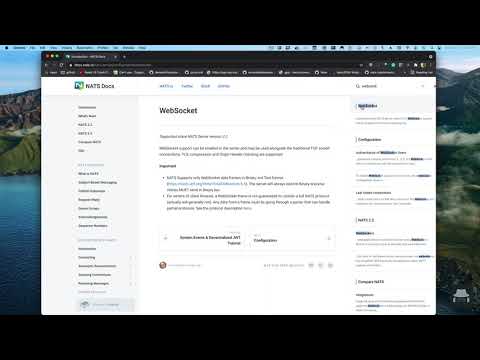
A simple screencast introduction to nats.ws
|
|
|
|
[](https://www.youtube.com/watch?v=EBVu2iEtHA4)
|
|
|
|
## Working with react-create-app?
|
|
|
|
The transpilation process seems to not pick up on the right library for nats.ws.
|
|
To work around the issue, simple insure you import from the cjs file directly:
|
|
|
|
```javascript
|
|
import { connect } from "../node_modules/nats.ws/cjs/nats.js";
|
|
```
|
|
|
|
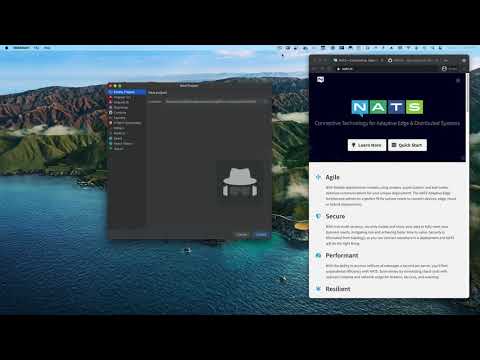
A simple screencast introduction to nats.ws viewed React can be found here:
|
|
|
|
[](https://www.youtube.com/watch?v=Wilbabm00no)
|
|
|
|
## Older Typescript Compiler?
|
|
|
|
If you are using an older version of the typescript compiler (for example, if
|
|
you on Angular 8), then simply add this to your `tsconfig.json` file:
|
|
|
|
```json
|
|
{
|
|
"compilerOptions": {
|
|
"paths": {
|
|
"nkeys.js": [
|
|
"node_modules/nkeys.js/nkeys.mjs",
|
|
"node_modules/nkeys.js/lib/nkeys.d.ts"
|
|
],
|
|
"nats.ws": [
|
|
"node_modules/nats.ws/cjs/nats.js",
|
|
"node_modules/nats.ws/lib/src/mod.d.ts"
|
|
]
|
|
}
|
|
}
|
|
}
|
|
```
|